
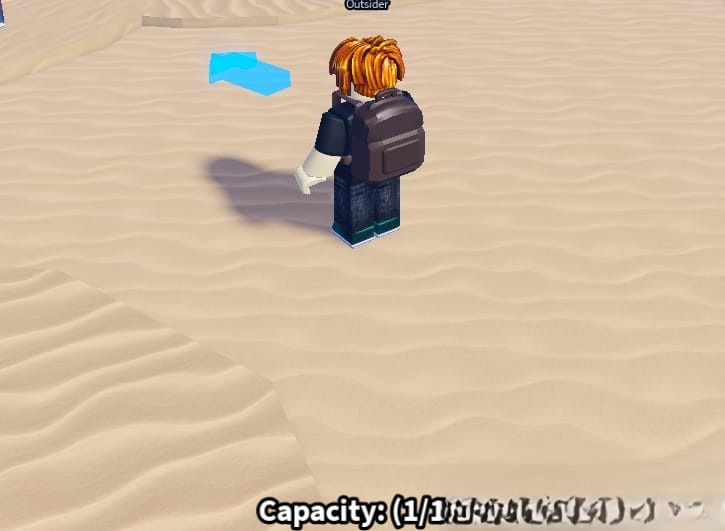
Blox Fruits is an immensely popular game on the Roblox platform, boasting a vast user base. Dig it: Auto dig, Auto piles Script This action-adventure game revolves around a pirate theme, where players enagage in combat against a variety of enemies and challenging bosses. Exploring islands and consuming different fruits are essential for advancing your character’s level. 
What is Roblox Script?
Roblox Scripts typically refer to snippets of code that offer automation advantages within the game. Independent developers and scripters create these scripts, which are not officially endorsed by the Roblox platform. Nevertheless, you can still utilize these scripts through Roblox executors such as Arceus X, Hydrogen Executor, JJSploit, Fluxus executor, and others.
How to Use Roblox Script?
- Launch Roblox and join your desired game.
- Click the “Copy” button to duplicate the script code.
- Paste the script code into your preferred Roblox executor.
- Execute the script code and savor the enhanced experience.
local RS = game:GetService("ReplicatedStorage")
local piles = workspace.Map.TreasurePiles
local dig = RS.Source.Network.RemoteFunctions.Digging

local plr = game.Players.LocalPlayer
local playerPos = plr.Character.HumanoidRootPart.Position

_G.autodig = true

local function getClosestPile()
    local closestPile = nil
    local closestDist = 10

    for _, pile in pairs(piles:GetChildren()) do
        if pile:IsA("Model") then
            local pilePos = pile:GetPivot().Position
            local distance = (pilePos - playerPos).Magnitude
            if distance < closestDist then
                closestPile = pile
                closestDist = distance
            end
        end
    end

    return closestPile
end

if not getClosestPile() then
	        game:GetService("ReplicatedStorage").Source.Network.RemoteFunctions.Digging:InvokeServer({
            Command = "CreatePile"
        })
end

while _G.autodig do
    local closestPile = getClosestPile()

    if closestPile then
        local target = closestPile
        local index = target.Name

        repeat
            task.wait()
            if not piles:FindFirstChild(target.Name) then
                target = nil
                break
            end

            dig:InvokeServer({
                Command = "DigPile",
                TargetPileIndex = tonumber(index)
            })

        until not _G.autodig or not piles:FindFirstChild(target.Name)
    else
        game:GetService("ReplicatedStorage").Source.Network.RemoteFunctions.Digging:InvokeServer({
            Command = "CreatePile"
        })
    end
end
Description
A Blox Natural product script is a custom content utilized in the Roblox game Blox Natural products to mechanize activities, upgrade capacities, or open highlights like auto-cultivating, quick evening out, and instant transportation. It gives players a benefit yet may abuse Roblox’s help out, possibly prompting account boycotts.
